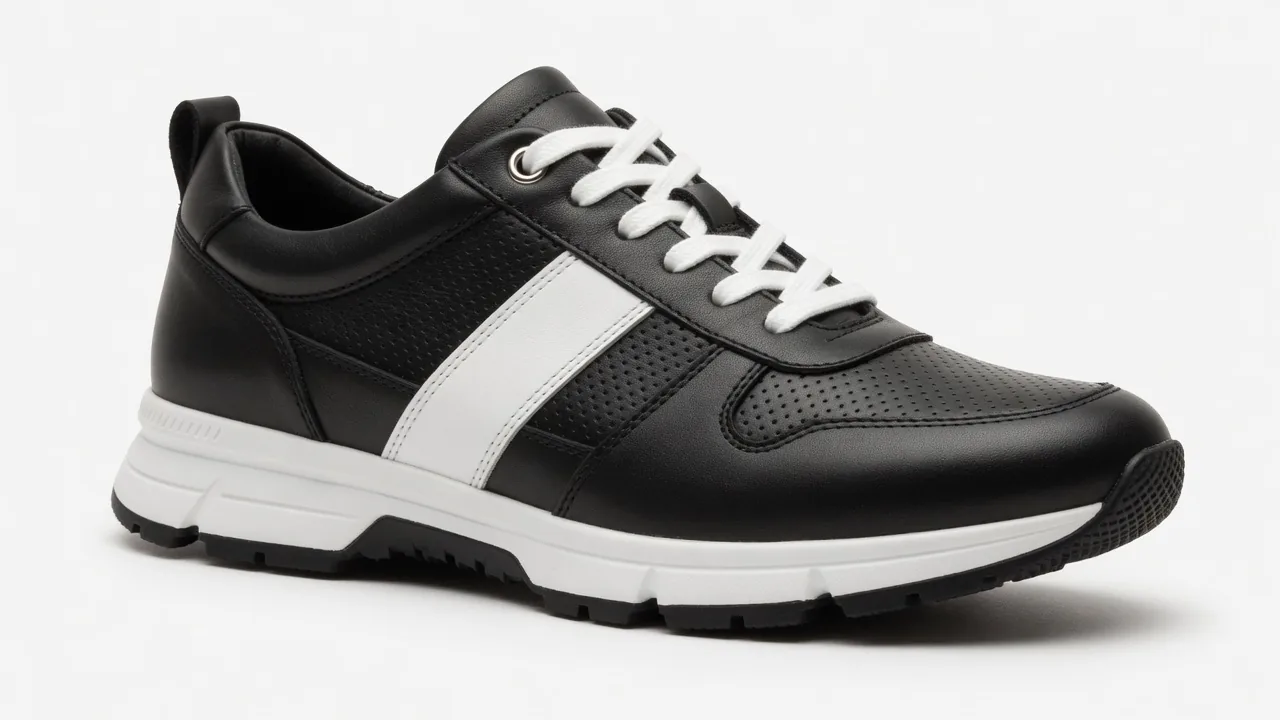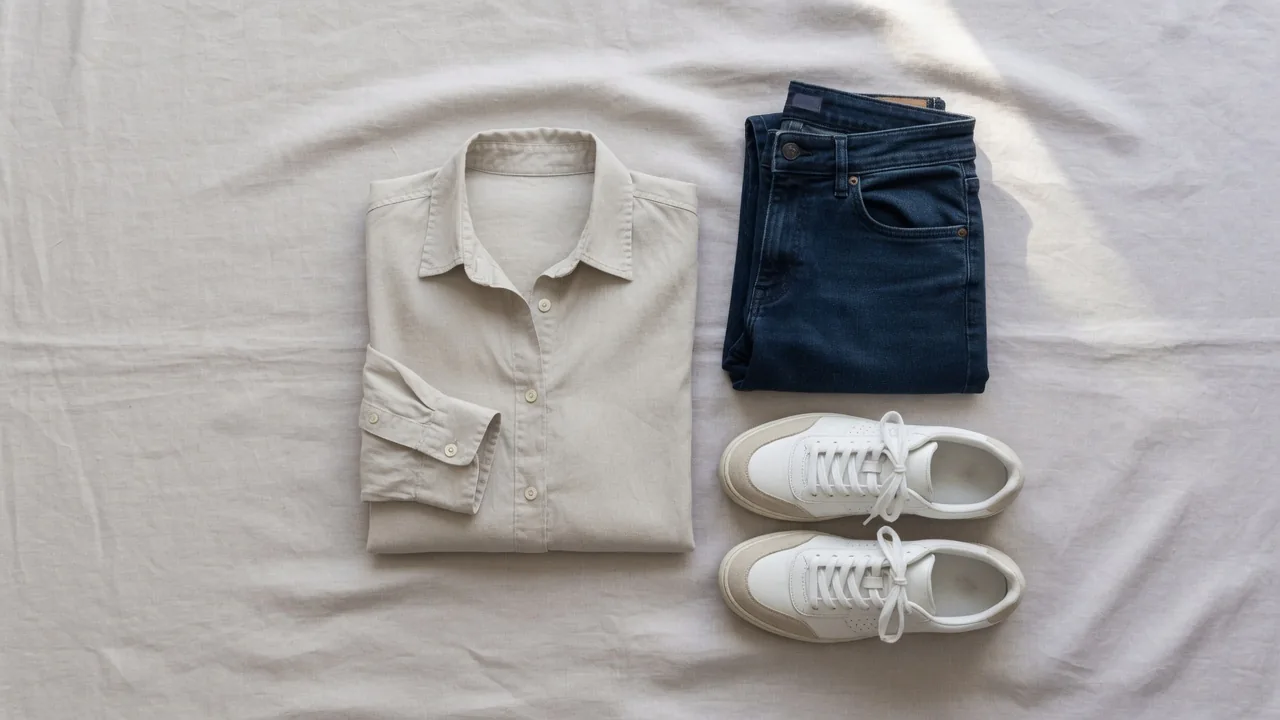
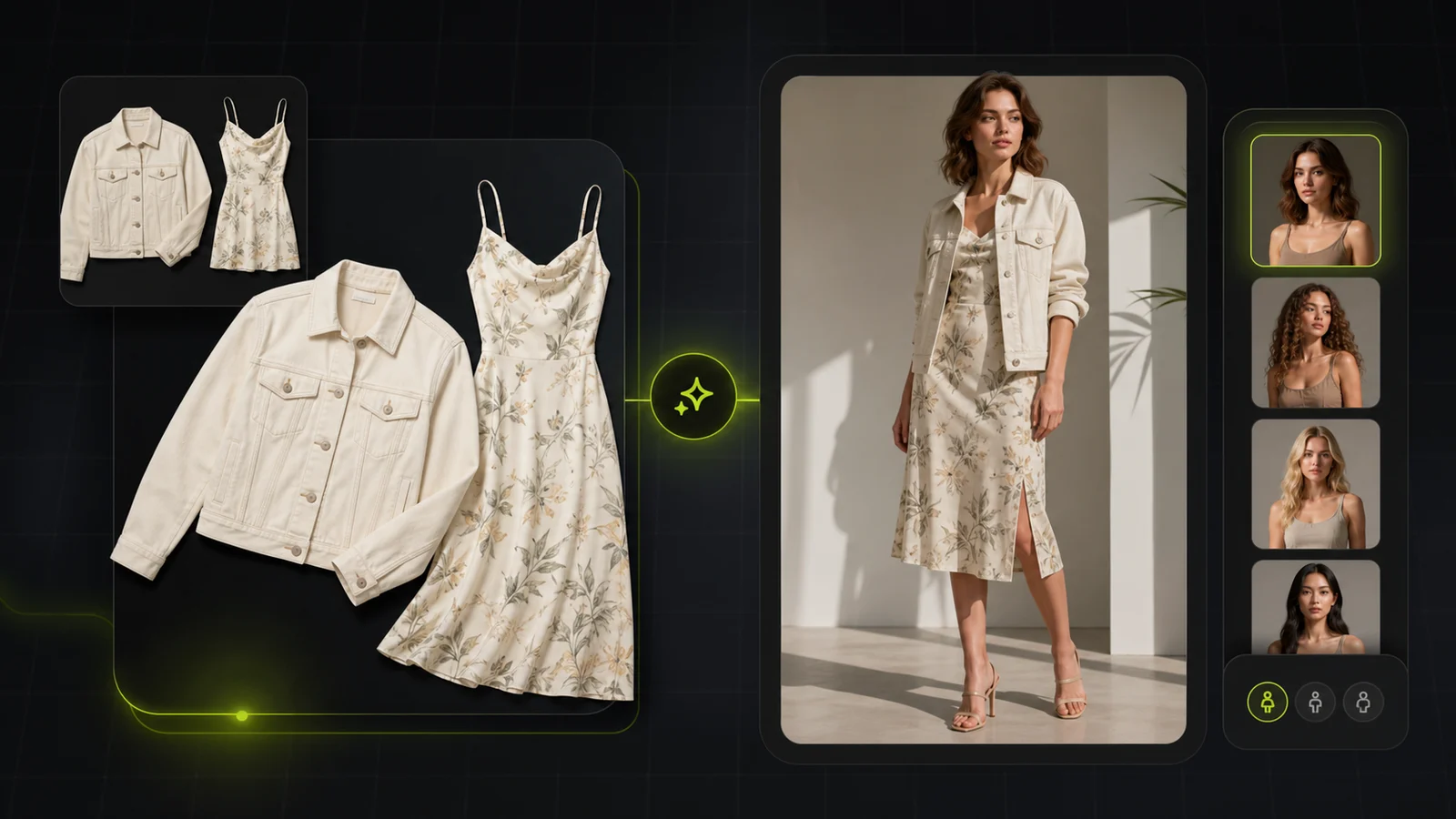
Compare AI fashion model generator tools and the ecommerce product-photo workflows that support apparel catalog visuals.
If you sell clothes online, an AI fashion model generator is the fastest way to turn flatlay or mannequin shots into realistic on-model photos and videos — without booking studios, models, and retouchers.
Below you'll find a practical comparison of the best AI fashion model generators (including free tools and tools that offer video on top of photo).
Quick Comparison: 7 Best AI Fashion Model Generators at a Glance
Before diving into the details, here's a brief overview:
- ProductShot AI: the best ecommerce pick when you need clean apparel product photos, product-preserving lifestyle scenes, and campaign visuals around your fashion workflow.
- Botika: strong Shopify-oriented option for fast on-model visuals (and video) with credit-based output.
- Modelia: Shopify app with clear plan structure and credits; good "plug-in" choice for Shopify stores.
- HuHu: Shopify-native virtual try-on/model concept; worth testing, but it currently has limited public review signal.
- X-Design: an ecommerce-oriented creative suite that also supports fashion model creation; good if you want lots of tools under one login.
- Fotor: a general photo/design platform that includes fashion model generation; best when fashion is only one of many creative tasks.
- insMind: a lightweight AI editor with model/face-related tools; good for quick content iterations across web + mobile.
Now, let's take a closer look at each AI model generator.
1. ProductShot AI — Best as the Product-Photo Foundation Around Fashion Workflows
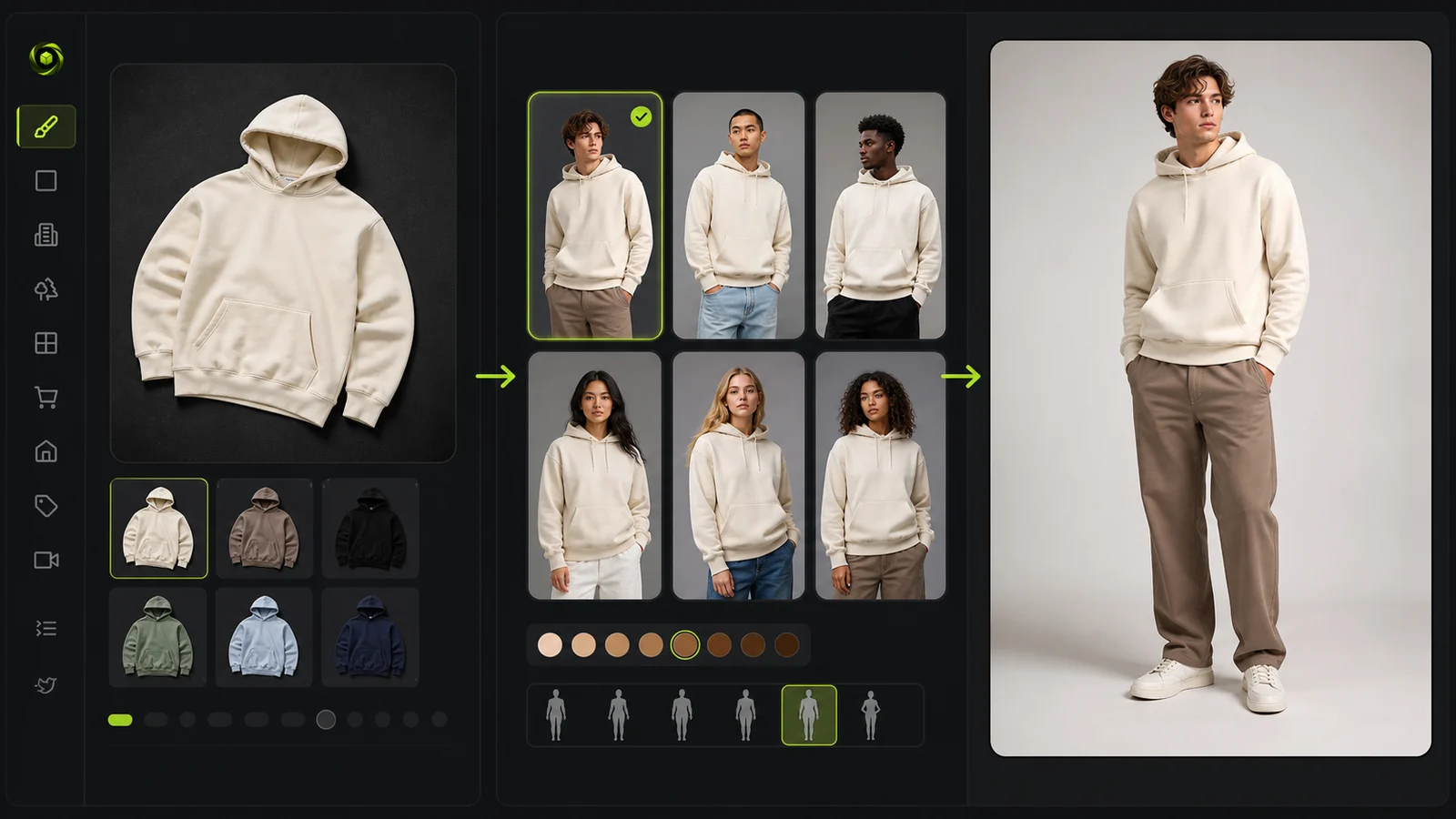
ProductShot AI is strongest when apparel sellers need the product-photo foundation around a fashion-model workflow. You can start from supplier photos, flat lays, or simple product shots, then generate cleaner ecommerce images, white-background assets, studio-style apparel visuals, lifestyle scenes, and campaign creatives while keeping fabric color, silhouette, label areas, and product identity consistent.
For teams that also use dedicated on-model tools, ProductShot AI works as the ecommerce image hub around that process: prepare clean source photos, create marketplace-ready product images, test lifestyle scenes, and build launch visuals without rebuilding the whole shoot.
Key Features
- Product Lock for preserving color, material, silhouette, packaging, and label areas
- White-background and studio-style apparel product images
- Lifestyle scene and campaign creative generation from product uploads
- Reference-image inputs to steer brand mood and composition
- Before/after comparison workflow and reusable image history
- Web-based workflow with one free generation credit for testing
Best For
- Apparel and accessory sellers that need clean product imagery before or alongside model workflows
- DTC teams creating catalog, marketplace, and campaign visuals from limited source photos
- Ecommerce teams that care more about product truth and repeatable workflows than one-off AI art
Pricing
- One free generation credit for testing
- Paid subscription and credit-pack options are available on the pricing page
Pros
- Strong product-preservation story for ecommerce apparel assets
- Useful across white background, studio, lifestyle, and campaign formats
- Works well as the image hub around a broader fashion content workflow
Cons
- Not a mobile app; currently web-based
- Dedicated virtual model and video workflows should still be evaluated in specialist tools
2. Botika — Shopify-Native On-Model Photos + Videos
Botika focuses on AI-generated fashion models with a heavy emphasis on Shopify integration. Its pitch is simple: turn basic product photos into photorealistic on-model images and short videos so shoppers can see drape and fit.
You upload a clothing photo (flatlay, ghost mannequin, or existing model), pick a model and background, and the tool generates the content.
Key Features
- AI-generated models with diverse body types and ethnicities
- Shopify app for direct integration into product pages
- Possibility to generate short AI videos that show movement and fit of garments
- Predefined workflows for marketing images, PDPs, and social content
Best For
- Shopify fashion brands that want both photos and videos
- Teams that want a plug-and-play app without dealing with APIs
Pricing
- 8 credits for free
- Paid subscriptions start at $22 per month for 20 credits (with a limited selection of models)
Pros
- Very simple, low-friction workflow; great for teams that don't want prompt complexity
- Proven track record in fashion ecommerce
- Tight Shopify integration keeps the workflow simple for small teams
Cons
- You'll often need extra tools for fine editing, cropping, and SEO-ready exports
- Limited control over lighting and composition compared to other AI photography studios
3. Modelia — Flexible AI Fashion Model Generator with Videos
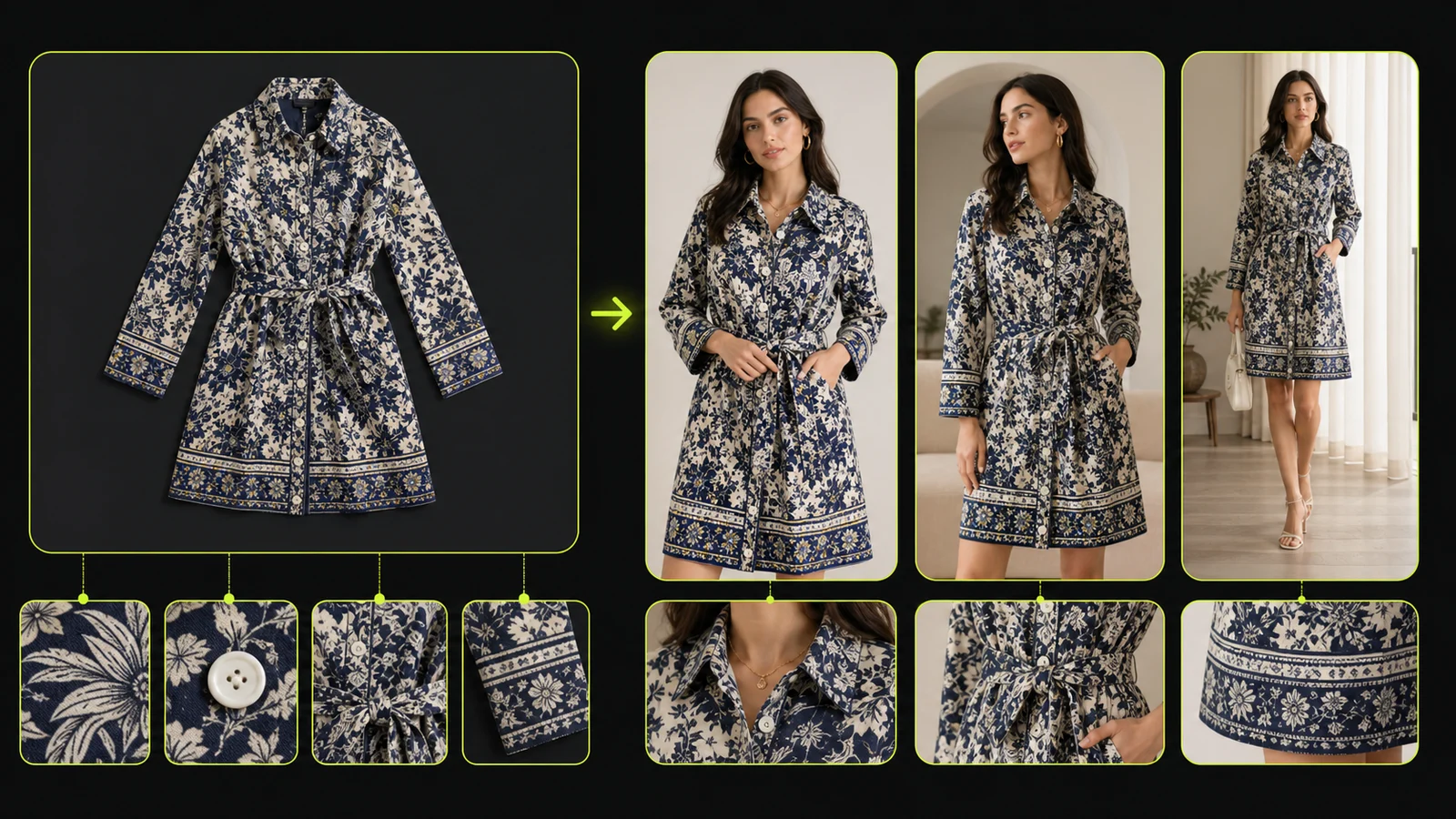
Modelia is a Shopify-first AI model fashion generator: upload your garment images (top, bottom, optional accessories), describe the model and background, and it generates ecommerce-ready photos and videos.
Recent updates add a video generator to animate AI models, which makes it a strong AI fashion model video generator if you're on Shopify.
Key Features
- AI model image generation from flatlay and mannequin shots
- Multiple garment combination for full outfits
- Video generator to animate AI models for ads/socials
- Shopify integration
Best For
- Shopify brands that want one tool for AI fashion model photos and short videos
- Small DTC teams refreshing PDPs and ads fast
Pricing
- Free plan with 50 credits per month (with watermarked outputs)
- Paid subscriptions start at $29.99 per month
Pros
- Shopify-native workflow (runs inside Shopify admin), so it's easy to plug into a catalog routine
- Broad fashion toolkit beyond still images
- Built-in AI fashion model video generator
Cons
- Free tier exports are watermarked, so you'll likely need a paid plan for real campaigns
- Currently focused on Shopify only
4. HuHu — AI Fashion Model Generator and Virtual Try-On
HuHu AI is an AI-powered fashion photography and virtual try-on platform. It converts flatlays, hanger shots, ghost mannequins, or existing model photos into on-model images in seconds, using hyper-realistic AI fashion models.
At the higher end, HuHu AI Studio targets large apparel brands and agencies, combining generative AI with a human creative marketplace to deliver thousands of brand-consistent images.
Key Features
- AI fashion virtual try-on to generate on-model images on diverse AI fashion models
- AI fashion model generator to create custom AI models by uploading a reference photo or selecting attributes
- AI fashion video generator & product-link-to-video to generate short fashion videos and connect product links directly to AI videos for shoppable content
- Shopify app to publish directly into Shopify product pages
Best For
- Mid-market and enterprise brands needing high volumes of AI fashion images while maintaining brand styling and performance
- Teams who like the idea of self-serve tools + optional studio/concierge help as they scale production
Pricing
- Free plan with watermarked outputs
- Paid subscriptions start at $20 per month
Pros
- Strong vertical focus on fashion ecommerce
- Well-developed model attribute controls (body type, age, tone, etc.) and support for inclusive plus-size, kids, and niche categories like lingerie/swimwear
Cons
- Compared with "one-click" players like ProductShot AI or Botika, HuHu's feature breadth can feel complex, especially for small teams
- Video capabilities are limited
5. X-Design — Affordable Suite with Model Generation
X-Design is an affordable AI fashion model generator designed for speed: upload a flat-lay, mannequin, or existing on-model photo and generate on-model images with light customization.
It's positioned as an all-in-one suite (photo tools, e-commerce generators, and even branding/video tools), so it can work as a "basic needs" option if you want one workspace for quick edits and simple model outputs.
Key Features
- One-click fashion image generation, turning apparel photos into styled model images
- Model library + basic customization (e.g., skin tone, facial expression, body size)
- Batch/bulk workflows
- Branding suite with logo and brand guide generation
Best For
- Brands that care more about campaign visuals than strict PDP uniformity
- Agencies that want fashion campaign mockups tied into brand assets
Pricing
- Free plan with limited model generation
- Paid subscriptions start at $5.83 per month
Pros
- Solid low-friction way to generate basic on-model images from simple inputs
- Bulk-friendly workflows for catalog updates
- Extra non-fashion tools included (background removal, enhancer, etc.)
Cons
- More of a design tool than a pure ecommerce solution
- If you need strict model consistency/brand control for campaigns, you may outgrow it and want a more fashion-specialized workflow
6. Fotor — Generalist Option with an AI Fashion Model Generator
Fotor is a long-standing online photo editor that added AI tools, including an AI fashion model generator. You can create AI models from text or transform existing photos into on-model shots, but the tool is more generalist than ecommerce-specific.
Key Features
- Text-to-image AI fashion models from prompts
- Huge general design suite (collages, presentations, thumbnails, etc.)
- General AI image and video generator
Best For
- Creators who already use Fotor for design and want occasional AI fashion model images
- Non-fashion brands prototyping "model-style" visuals with minimal extra spend
Pricing
- AI generation is not available for free
- Paid subscriptions start at $3.33 per month
Pros
- Very flexible for ideation, campaigns, and social media visuals
- Easy to add AI fashion model images into a broader design workflow
Cons
- Not tuned for strict ecommerce product accuracy or bulk catalog work
- Limited guidance around fashion-specific best practices compared to other tools
7. insMind — Fast and Lightweight AI Model/Face-Swap
insMind is an all-in-one AI image/video editor with a dedicated AI fashion model generator. You get a large gallery of AI fashion models across ages, genders, body sizes, and skin tones, making it handy if you want diversity with minimal setup.
Key Features
- Large library of AI fashion models including diverse demographics
- AI outfit generator to change clothes on existing photos
- Background removal and AI-generated scenes
- Video generation and editing
Best For
- Brands that want to quickly pick from a ready library of models
- Teams looking for a free AI fashion model generator online plus simple video features
Pricing
- Free plan with watermarked outputs
- Paid subscriptions start at $6.99 per month
- You can also purchase credit batches
Pros
- Very low friction thanks to prebuilt model gallery
- Supports both on-model generation and outfit swapping
Cons
- Less control over extremely specific brand aesthetic
- API and bulk tools are not the main focus
How to Choose the Right AI Fashion Model Generator
A few practical lenses to filter tools through:
1. Your Input Format
Ask what your raw assets look like today:
- Flatlays / ghost mannequins. You want tools explicitly built for this. ProductShot AI and Botika are stronger when you must preserve exact SKU details.
- Supplier or influencer photos. Tools with good background removal and restyling can help: ProductShot AI, Fotor, insMind.
- No photos at all yet. If you want to create virtual fashion, start with text-to-image tools like Fotor or general AI generators.
2. Volume and Automation
- Under 100 SKUs. Fotor, insMind, X-Design, in the browser will be fine.
- Hundreds to thousands of SKUs. Look for APIs, workflow builders, or deep platform integrations. ProductShot AI's reusable web workflow and Botika's Shopify app focus directly on catalog scale.
3. Consistency Across SKUs
Real ecommerce pain points are always the same: the model changes every time, poses are inconsistent, lighting jumps around between images.
With that said, look for:
- Pose and angle control for grid views
- Re-usable models so the same face/body can be used across a collection
- Background presets for marketplace requirements
Dedicated model tools solve model diversity directly; ProductShot AI helps apparel sellers keep product photos, fabric details, and campaign visuals consistent around that workflow.
4. Image Realism and Garment Fidelity
For fashion, AI generation might be tricky. You need:
- Correct fabric behavior and seams
- Logos and prints preserved exactly
- No extra buttons, pockets, or hallucinated jewelry
Tools that are trained or tuned on ecommerce data (ProductShot AI, Botika, insMind) will usually behave better than generic art models here.
5. Rights, Safety, and Compliance
Always check:
- Whether generated images are cleared for commercial use
- Whether AI-generated models are copyright-free
- Whether there are controls for body diversity and representation that match your brand
Most tools listed position themselves for commercial ecommerce use, but terms differ and can change.
6. Budget and Free Functionality Expectations
Before committing, test the free tier of two or three tools that match your input format and volume needs. Pay attention to output quality, watermark policies, and whether the free plan limits model selection. A tool that looks cheap at $5/month can become expensive if it lacks the features you need and forces you to add three other subscriptions on top.