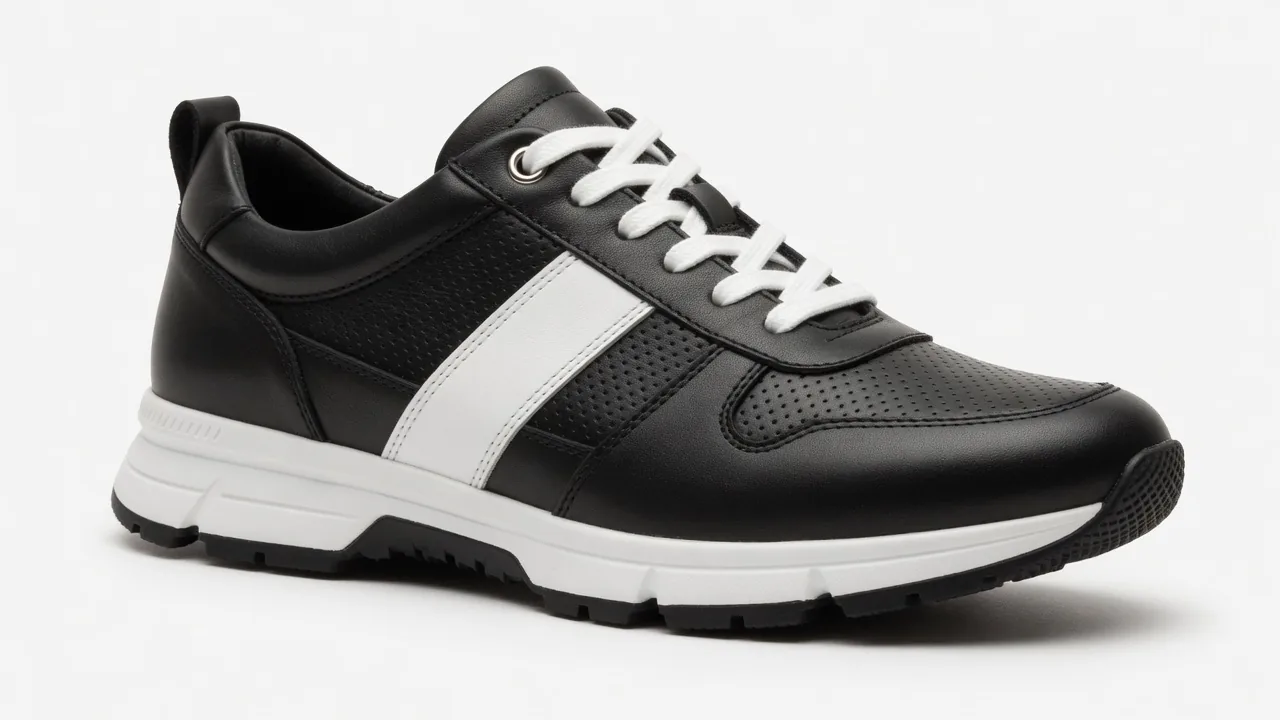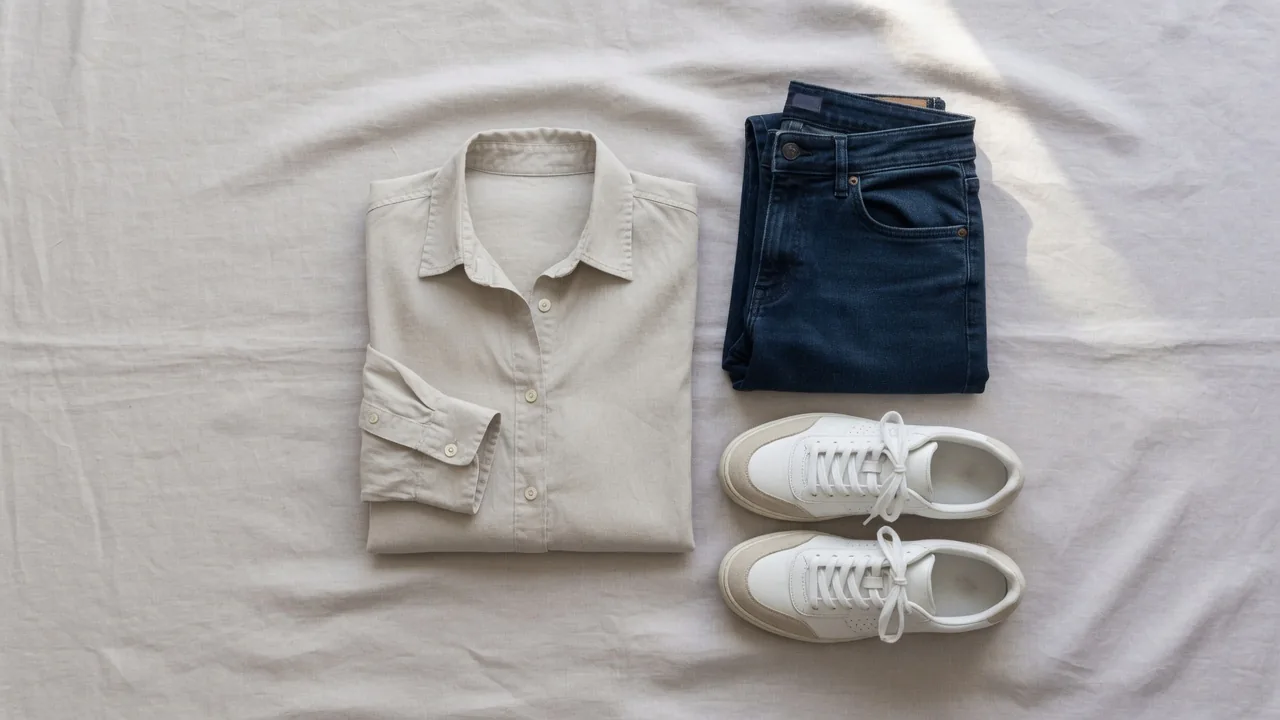
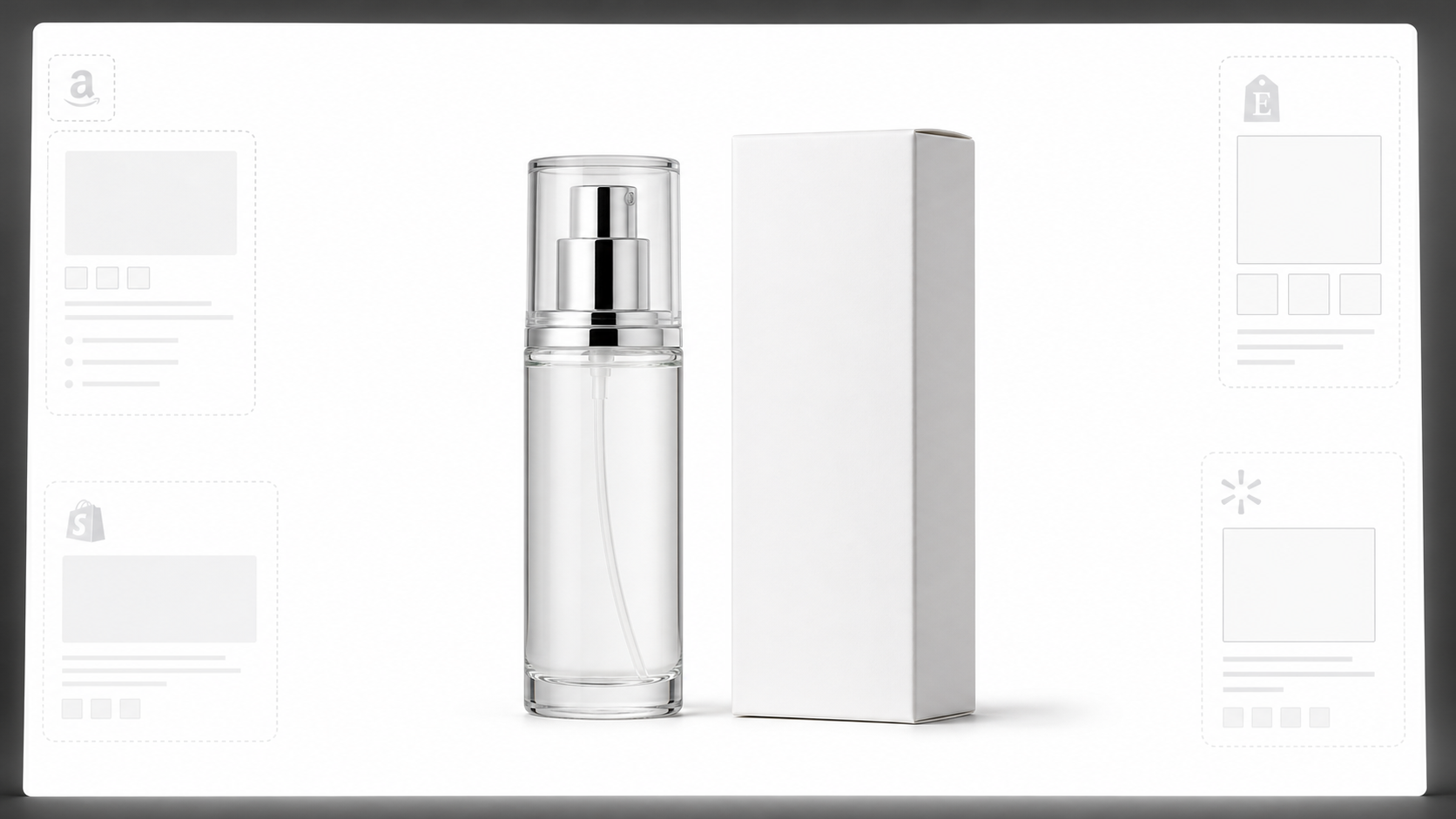
Learn why white background product photos are harder than they look, how platform rules differ, and how to preserve details.
I used to spend hours—sometimes entire afternoons—trying to get clean white background photos for my products. I’d set up a makeshift studio with white paper, adjust the lighting a dozen times, take what I thought were great shots, and then realize during editing that the background wasn’t actually white. Or the edges had that telltale halo. Or the shadows looked like the product was floating in mid-air.
Sound familiar?
If you’re selling on Amazon, Shopify, Etsy, eBay, or Google Shopping, you know exactly what I’m talking about. White background product photos aren’t just a nice-to-have—they’re often required. But here’s what nobody tells you upfront: the rules are different on every platform, and most of the advice out there oversimplifies the problem.
After months of trial and error, I built ProductShotAI to solve this. But before I explain how it works, I want to walk you through what I learned about white background photos—the hard way.
Why White Background Photos Are More Complicated Than You Think
The biggest misconception about white background product photos is that they all mean the same thing. They don’t.
Amazon requires a pure white background (RGB 255,255,255) for main images, and the product should fill at least 85% of the frame. Google Merchant Center recommends solid white or transparent backgrounds but also accepts staged or lifestyle images. Etsy doesn’t even require white backgrounds—they care more about showing the actual product buyers will receive. And eBay? They say white is “generally best” but suggest darker backgrounds for reflective items like jewelry.
I learned this the hard way when my Amazon listings got flagged because my white backgrounds were technically off-white. The RGB values weren’t quite right, and the platform’s automated checks caught it.
This is the first thing most guides get wrong: they treat “white background” like a universal requirement when it’s actually a platform-specific rule.
The Traditional Approach (And Why It’s Broken)
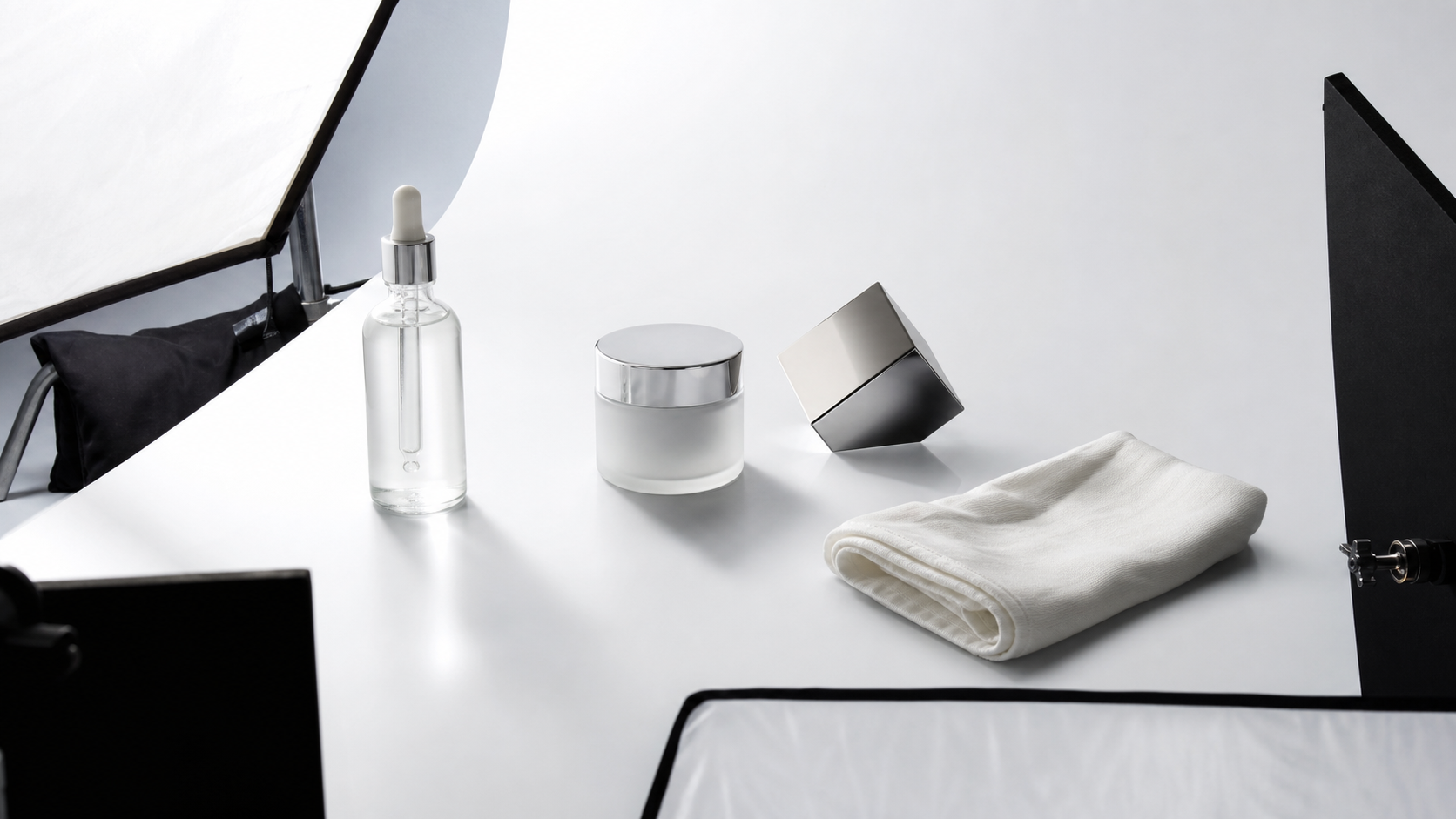
For years, the standard approach to white background product photography involved a multi-step process: set up a white sweep, position softboxes on either side, use reflector cards to control shadows, shoot at low ISO with a tripod, and then spend hours in Photoshop refining edges and adjusting colors.
It works. But it’s slow, expensive, and requires real skill.
And here’s the part nobody talks about: different materials require completely different approaches. Glass bottles need backlighting and side lighting to avoid looking like mirrors. White products on white backgrounds risk losing their edges entirely. Metal and chrome items reflect everything—your lights, your camera, even you. And soft materials like clothing or plush toys wrinkle, sag, and collect dust in ways that show up painfully clearly in high-resolution photos.
I once spent an entire afternoon trying to photograph a clear plastic package. No matter what I did, it looked foggy and milky. Turns out, transparent packaging needs back lighting and sometimes black diffusion boards to create visible edges—techniques I only discovered after ruining dozens of shots.
This is why the “just remove the background” approach falls short. You can’t fix a bad source photo by making the background whiter.
The AI Shortcut (And Its Risks)
When AI background removal tools started appearing, I thought my problems were solved. Tools like remove.bg and Photoroom promised one-click solutions. And they do work—for simple products with clean edges and straightforward shapes.
But they struggle with the exact cases that matter most: complex packaging, transparent materials, intricate logos, and products where details like text, barcodes, and regulatory information need to remain crisp and readable.
The risk isn’t just aesthetic. Google Merchant Center requires that AI-generated images retain specific metadata (IPTC DigitalSourceType), and platforms like Etsy have strict rules about showing the actual product buyers will receive. If an AI tool distorts your logo, misplaces text, or changes the shape of your packaging, you’re not just dealing with a bad photo—you’re potentially violating platform policies.
I’ve seen this happen. A friend’s Etsy shop got suspended because the AI-generated product images didn’t accurately represent what customers would receive. The packaging looked different, the colors were off, and the labels weren’t readable.
What I Actually Needed
What I wanted was simple: a tool that could take a decent product photo and turn it into a clean, white-background image that met platform requirements—without distorting the product itself.
I didn’t need AI to invent a new product. I needed it to do what a skilled photo editor would do: preserve the product’s shape, colors, packaging, labels, and logos while creating a professional white background.
That’s why I built ProductShotAI.
How ProductShotAI Works Differently
ProductShotAI isn’t designed to replace professional photography or make magic out of bad source images. Instead, it’s built to do three things well:
First, preserve product authenticity. The tool analyzes your source image and works to maintain the exact shape, color, and details of your product. If your packaging has a specific shade of blue, that shade stays. If your logo has particular text, that text remains readable.
Second, create natural-looking results. Instead of harsh cutouts with obvious edges, ProductShotAI generates subtle shadows and clean transitions that make products look like they were photographed on white backgrounds—not pasted onto them.
Third, handle complex cases. Whether you’re dealing with glass bottles, transparent packaging, metallic surfaces, or products with intricate details, the tool is designed to preserve the nuances that make these items challenging to photograph traditionally.
I use it myself for my own product listings, and the time savings are significant. What used to take me hours in Photoshop now takes minutes. But more importantly, the results consistently pass platform checks without triggering compliance issues.
When to Use It (And When Not To)
ProductShotAI works best when you start with a decent source photo—a reasonably well-lit image of your product against any background. It’s not a replacement for good photography fundamentals, but it eliminates the most tedious part of the process: the background work.
It’s particularly useful for:
- Sellers with large catalogs who need consistent white backgrounds across hundreds of SKUs
- Anyone selling on multiple platforms with different image requirements
- Products with complex packaging that’s difficult to photograph traditionally
- Situations where you need quick turnaround without sacrificing quality
It’s less useful when your source photo is severely underexposed, blurry, or doesn’t show the product clearly. Garbage in, garbage out still applies.
The Bottom Line
White background product photos sound simple, but they’re not. Between varying platform rules, material-specific challenges, and the risks of AI tools that distort product details, most sellers are either spending too much time or settling for images that might get flagged.
ProductShotAI solves this by focusing on what matters: preserving your product’s real appearance while creating clean, compliant white backgrounds. It’s not magic—it’s just a smarter way to handle a task that shouldn’t take hours.
If you’re tired of wrestling with Photoshop or worrying about whether your AI-generated images will pass platform checks, give it a try. Your product photos should work for you, not against you.
Ready to streamline your product photography workflow? Visit ProductShotAI.app to see how it works.