A seller shares what traditional product photography costs, why product fidelity matters, and how AI changed the workflow.
Editor's Note: This article is a guest submission from Lin, an ecommerce seller sharing his personal experience. The views expressed are his own and don't necessarily reflect our position. If you have insights about ecommerce tools to share, we'd love to hear from you.
The Pain of Product Photography
Let's be honest. Product photography is a nightmare.
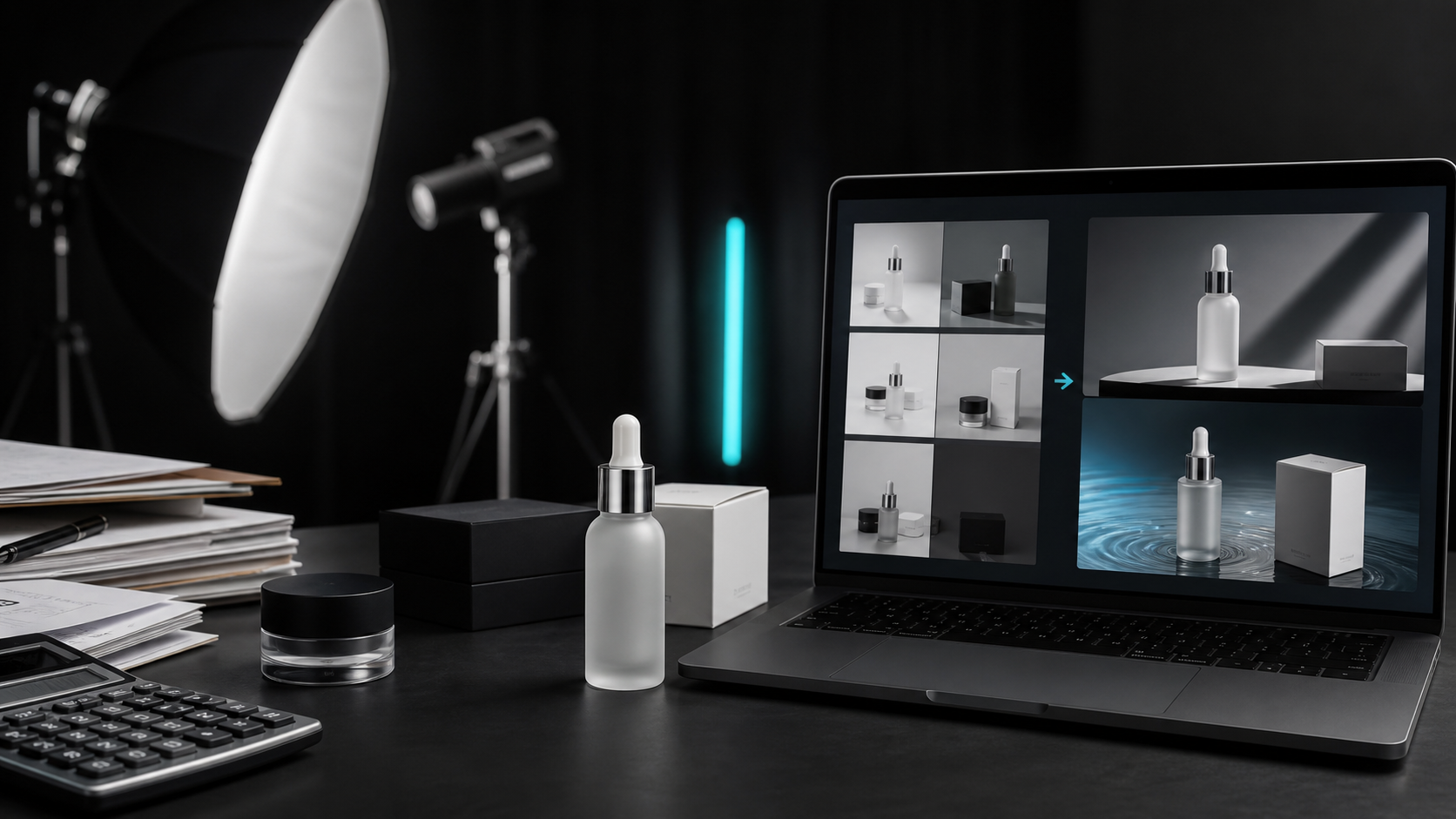
I've been selling online for years, and I've lost count of how much I've burned on product shoots. Freelance photographers charge anywhere from $500 to $2,000 per session. Sounds reasonable? Wait until you realize you need seven different angles, three lifestyle setups, and clean white backgrounds. That invoice quickly climbs to $4,000 or $5,000.
Then there's the communication breakdown.
"I want that premium look, you know?" "Can the lighting be softer?" "Can you control the reflection on the bottle?" "Can you make the logo sharper?"
Photographers don't understand your product. You don't speak their language. Three or four rounds of revisions later, you're still not happy with the result.
And the timeline? From booking to delivery, you're looking at two weeks minimum. Your new product is ready to launch, but the images aren't. Your competitors are already selling while you're waiting for your photographer's availability.
I tried shooting my own products once. Bought lights, bought backdrops, learned about lighting setups. Spent a week tinkering only to discover: amateur is amateur. The photos I took with my phone looked so bad I wouldn't even click on them myself on Amazon.
Here's the thing about product photography: you spend money, you spend time, and you might still end up with mediocre results. But you can't skip it.
Why Product Photography Is So Hard
After years of struggling, I finally understood the real problem. It's not about the equipment or the technique. It's about fidelity.
What does that mean?
When you shoot a portrait, slightly off skin tone or brighter eyes? No big deal. But when you shoot a product, a blurry logo is a blurry logo. A crooked label is a crooked label. Off colors can mislead customers.
The core requirements for ecommerce product images are: accurate, consistent, and true to life.
Those three words sound simple. They're not.
| Requirement | What it means in practice |
|---|---|
| True to life | Bottle curves can't warp; metal needs realistic highlights and reflections |
| Accurate | Logo fonts can't distort; small text on labels must be readable; colours can't shift |
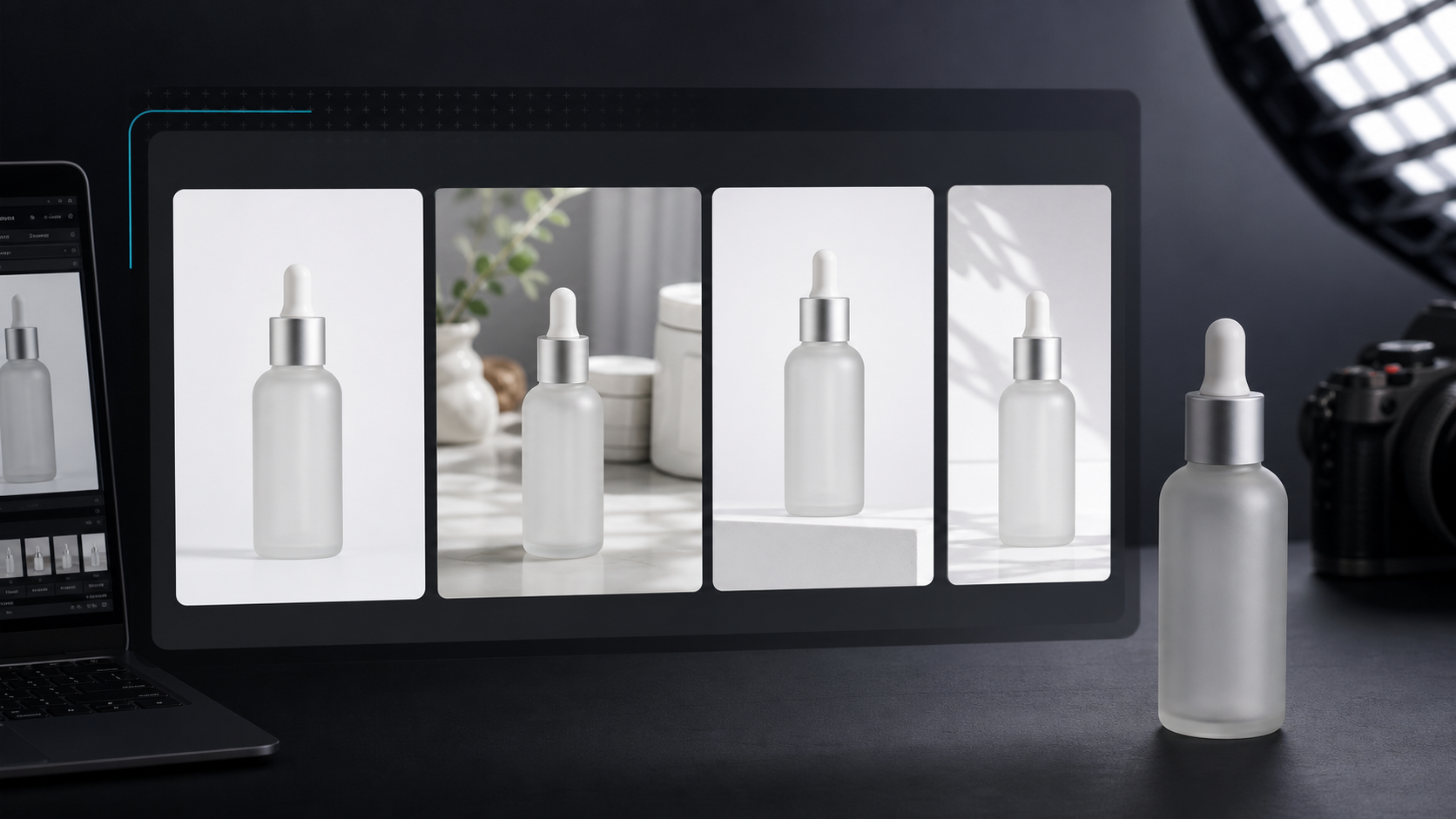
| Consistent | Seven images of the same product must have a unified style |
Professional photographers achieve this through years of experience and technical skill. AI has to figure out the difference between "the product itself" and "the background."
Most AI tools can't tell the difference.
AI Product Photography: A Revolution in Progress
Last year, AI product photography exploded.
Search for it and you'll find dozens of tools: Pebblely, Flair.ai, Claid, Photoroom, Canva, Midjourney... Each claims to generate "professional product photos with one click."
But use them and you'll realize they're not the same thing at all. Here's a quick breakdown:
| Type | Examples | Good at | Not good at |
|---|---|---|---|
| General image generators | Midjourney, Adobe Firefly | Creative concepts, style exploration | Product fidelity—logos turn to gibberish, bottle caps vanish |
| Background removal | remove.bg | Cutouts, clean white backgrounds | Only solves the cutout; you still need to build scenes yourself |
| Traditional design tools + AI | Canva | Marketing materials, social graphics | Not built for "product fidelity" |
| Dedicated AI product tools | ProductShotAI, etc. | Turning real product photos into listing-ready images | Core capability: keeping the product unchanged |
I focused my testing on the fourth type.
The Mistakes I Made
Before finding the right solution, I tested most of the tools on the market. Here's what went wrong:
| Mistake | What happened | Why it matters |
|---|---|---|
| Single images look great, sets fall apart | Same product, 4 images—bottle cap changes colour, labels go blurry | Ecommerce demands consistency; most tools can't deliver |
| Obviously AI-generated | Floating shadows, inconsistent lighting, distorted proportions | Customers notice immediately; kills trust in your listing |
| Logo and text disasters | Misspelled brand names, garbled ingredient lists, distorted numbers | Not occasional—these happen frequently |
| Opaque pricing | $30/month subscription, only 2 out of 10 images usable | That's $15 per image—more than a photographer |
| Free images can't be used commercially | Free tier terms say "not for commercial use" | Hours of work generating images you can't even list on Amazon |
The Solution I Finally Chose
After testing everything, I ended up using ProductShotAI.
Not because it's perfect. Because it solved the problems I cared about most.
| Feature | Why it matters |
|---|---|
| Product Lock | Upload a photo, it identifies the product and preserves it when generating new scenes—logo stays intact, labels stay readable, bottle caps don't vanish |
| Pay-as-you-go | No subscriptions. Buy credits, use credits. Starting at $5. Much better than fixed monthly charges when launches aren't frequent |
| Fast generation | A full SKU set in 30 minutes. Used to take two weeks with a photographer |
| Platform compatibility | Outputs 1:1 for Amazon, 4:5 for Instagram, 9:16 for TikTok—no cropping needed |
Of course, it has limitations. If you're in high fashion and need model-on-body shots, it's not the best choice. If you're after artistic-level creative expression, general generators might work better.
But for the core needs of most small and medium sellers — quickly generating accurate, consistent, listing-ready product images — it gets the job done.
Advice for Sellers in the Same Boat
If you've also wasted money on product photography, here's what I've learned:
| Tip | Details |
|---|---|
| Know what you actually need | White background main images need clarity. Lifestyle images need atmosphere. Ad images need appeal. Different images, different solutions. |
| Don't trust "one-click generation" | Always check logo, labels, colours, proportions. Especially for products with text—double-check everything. |
| Calculate cost per usable image | $30/month sub with 3 usable out of 10 = $10/image. $5 credit pack with 4 usable out of 5 = $1.25/image. |
| Start small | Don't buy the biggest package. Test with minimum credits first. Every tool works differently for different products. |
The Bottom Line
Product photography used to be one of the most frustrating aspects of my ecommerce business.
Expensive, time-consuming, exhausting to communicate, and inconsistent results.
AI hasn't completely solved this problem, but it's lowered the barrier significantly. What used to require a professional team can now be mostly handled by one person, one phone, and one tool.
As for which tool to use, I recommend you try them yourself. There are plenty of options, each with its own strengths and weaknesses.
The key is finding the one that fits your products, your budget, and your workflow.
Are you also struggling with product photography? Share your experience in the comments — maybe we can help each other avoid some pitfalls.